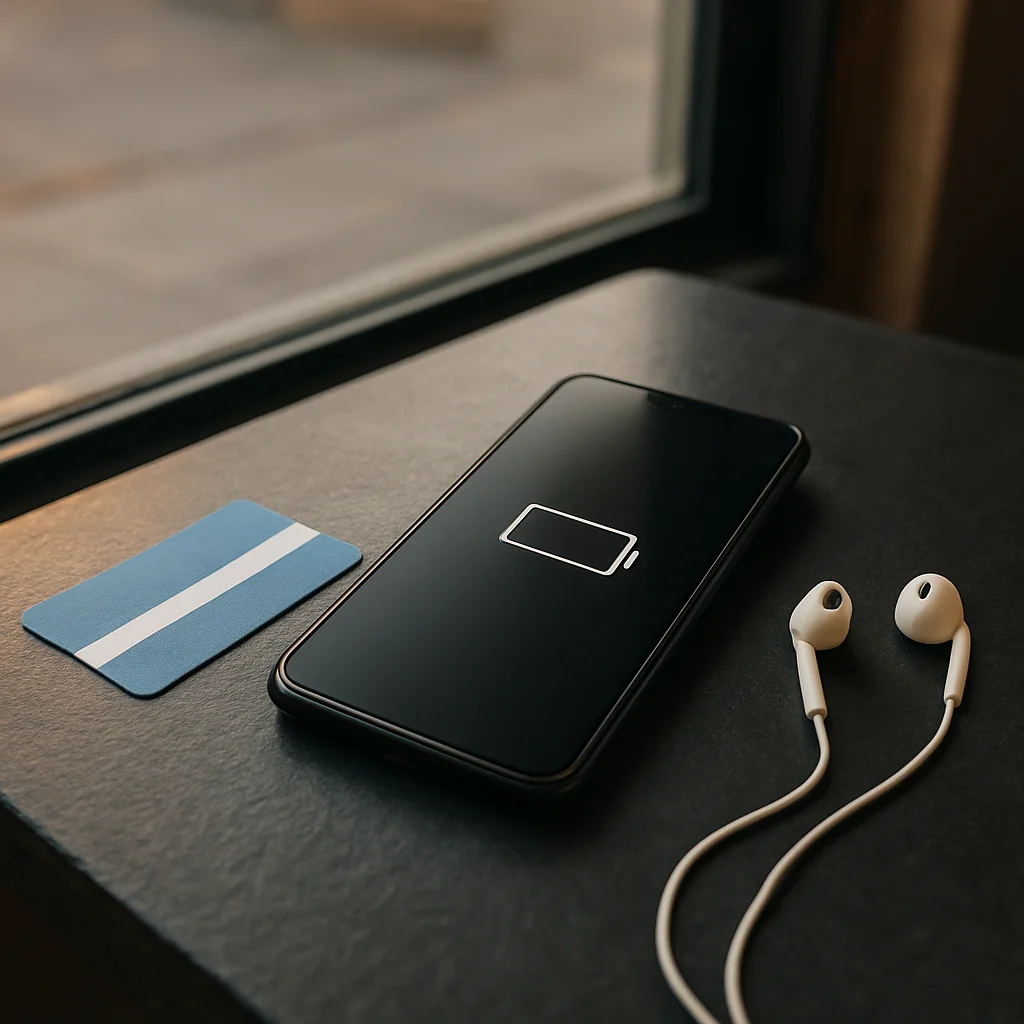
What Actually Helps a Phone Battery Last
Your phone is at 18 percent before the commute home, even though you barely used it at lunch. That moment is a better prompt for a buying decision than a battery-capacity figure on a spec sheet: look at how the phone and your habits fit together.
The Screen Sets the Pace
A bright display, long screen-on time, and demanding apps can all draw power. If you often use navigation outdoors or stream video during a commute, those patterns matter more than occasional messaging.
Adaptive brightness and a lower refresh-rate setting, where available, can help reduce drain, though the effect varies by phone and use. Try changes one at a time so you can tell whether a setting makes a difference without making the display uncomfortable.
Look Beyond the Battery Figure
Signal conditions are easy to overlook: a phone working hard to maintain a weak connection may use more power than it does on a strong network. Background syncing, location access, and apps that stay active can also shape the day-to-day result.
When comparing phones, look for battery information based on a stated test method and check independent reviews for the kinds of use you recognize. Results from different reviewers are not always directly comparable, so treat them as context rather than a guaranteed number of hours.
Choose for Your Routine
If you rely on maps, mobile data, and a bright screen away from an outlet, make battery performance a priority and check charging options too. If you spend most of the day near a charger, comfort, camera behavior, or software support may matter more. Affiliate links may earn Tech Pulse Global a commission; our buying advice should still begin with what fits your routine.
Products not fetched from DB and/or API. Please check debug logs.