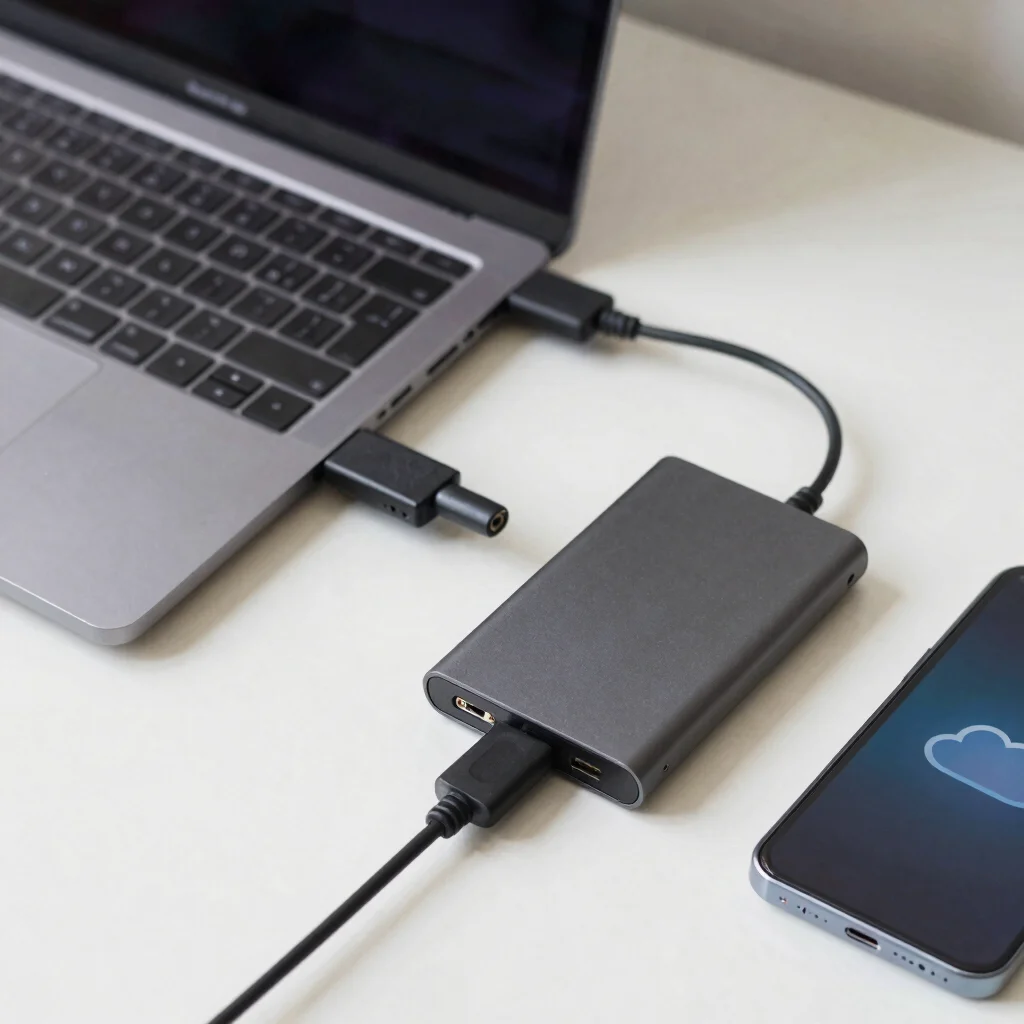
External SSD or Cloud Storage First?
A laptop runs out of space just as you need to hand off a large project file. An external SSD and a cloud plan can both help, but they are not interchangeable: one gives you local storage you carry, while the other keeps files available through an internet connection.
When a Drive Makes Sense
An external SSD can be a practical choice for large photo libraries, video projects, or files you need to move between compatible computers. It does not depend on an internet connection for access, but you do have to carry it and keep it safe.
Check the drive’s connection type alongside your computer’s ports. Advertised transfer speeds depend on the drive, cable, port, and workload, so a headline number alone won’t guarantee how quickly your own files will copy.
Where Cloud Helps
Cloud storage is convenient when you switch between a laptop and phone, or need to share files without passing around a drive. Access and syncing depend on your connection, account settings, and the service’s terms, so confirm how offline access works before relying on it while traveling.
A subscription can become an ongoing cost, while a drive has an upfront cost and a physical failure risk. Compare the storage you need, the devices you use, and any file-sharing or privacy requirements before picking one.
Keep a Second Copy
For important files, don’t treat a single drive or a synced cloud folder as a complete backup. A second copy in a separate place gives you another route back if a device is lost, damaged, or affected by an unwanted change. If you explore products or services through our affiliate links, Tech Pulse Global may earn a commission.